Changing your shop name by following the steps below:
The main reasons traders change their shop names
-
Changing ownership
-
Rebranding
-
Other
1. From the home screen tap on the "MENU" icon.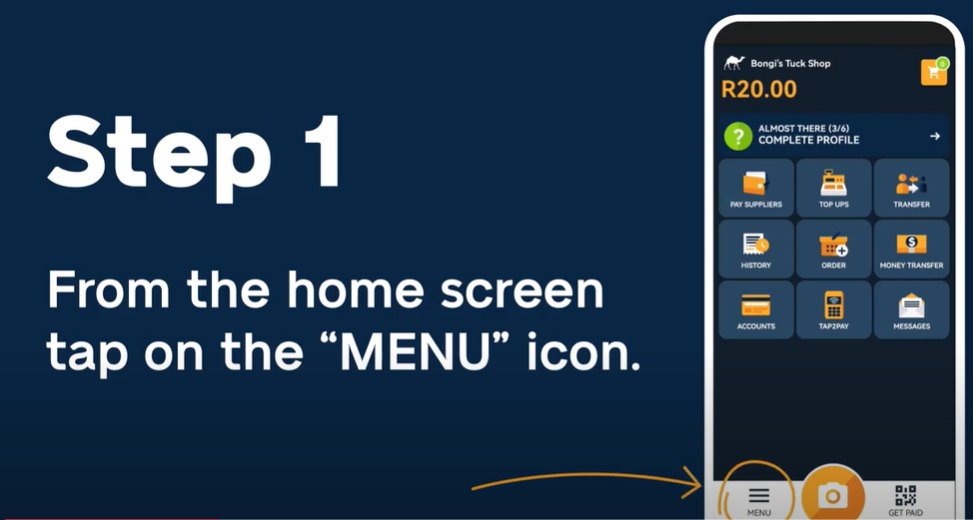
2. Tap on "MY PROFILE".
3. Tap on "MY SHOP".
4. Tap on "EDIT".
5. You can change your Shop Name
6. Tap on "SAVE" once completed.
How To Video
NB!
Should a trader face difficulties following the video, we can assist by obtaining info listed below:
- Signed change of S2S account details form
- Copy of ID/Asylum permit/Passport
-
Selfie Picture
Comments
0 comments
Please sign in to leave a comment.