Clear Cache following the steps below:
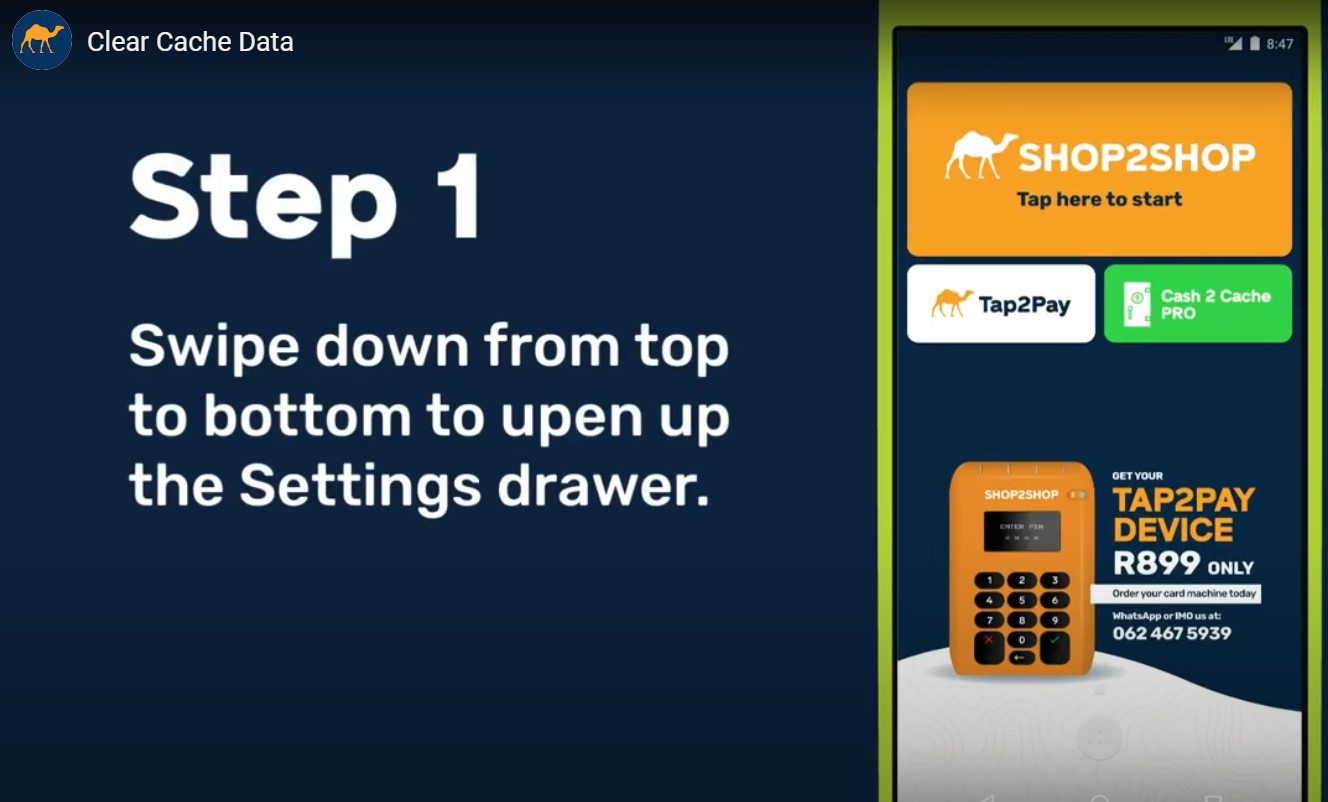
1. Swipe down from the top to bottom to open up settings drawer.
2. Tap on the Settings icon in the top right corner.
3. Tap on "Apps"
4. Scroll down until you find the Shop2shop App, and then select the App.
5. Tap on "Storage"
6. Tap on "CLEAR DATA" to clear the App cache data.
How To Video.
Comments
0 comments
Please sign in to leave a comment.